
Workflows for every regulator and every kind of case.
xProDesk ships with battle-tested workflow templates for the bodies you file with daily. Configure once, apply to any client, run across your whole team.
Federal Board of Revenue — Income tax, sales tax, federal excise.
From NTN registration to annual return, refund claim to audit response — xProDesk's FBR workflow covers the full lifecycle. Each step has a built-in document checklist, an assigned role and a deadline tied to the tax calendar.
- NTN registration & amendment (IRIS)
- Annual income tax return (companies, AOPs, individuals)
- Sales tax return (monthly / quarterly)
- Federal excise return and refund
- Withholding statements (240-quarterly, 241-annual)
- Show-cause notices, audits, recovery proceedings
- Refund tracking with acknowledgement log
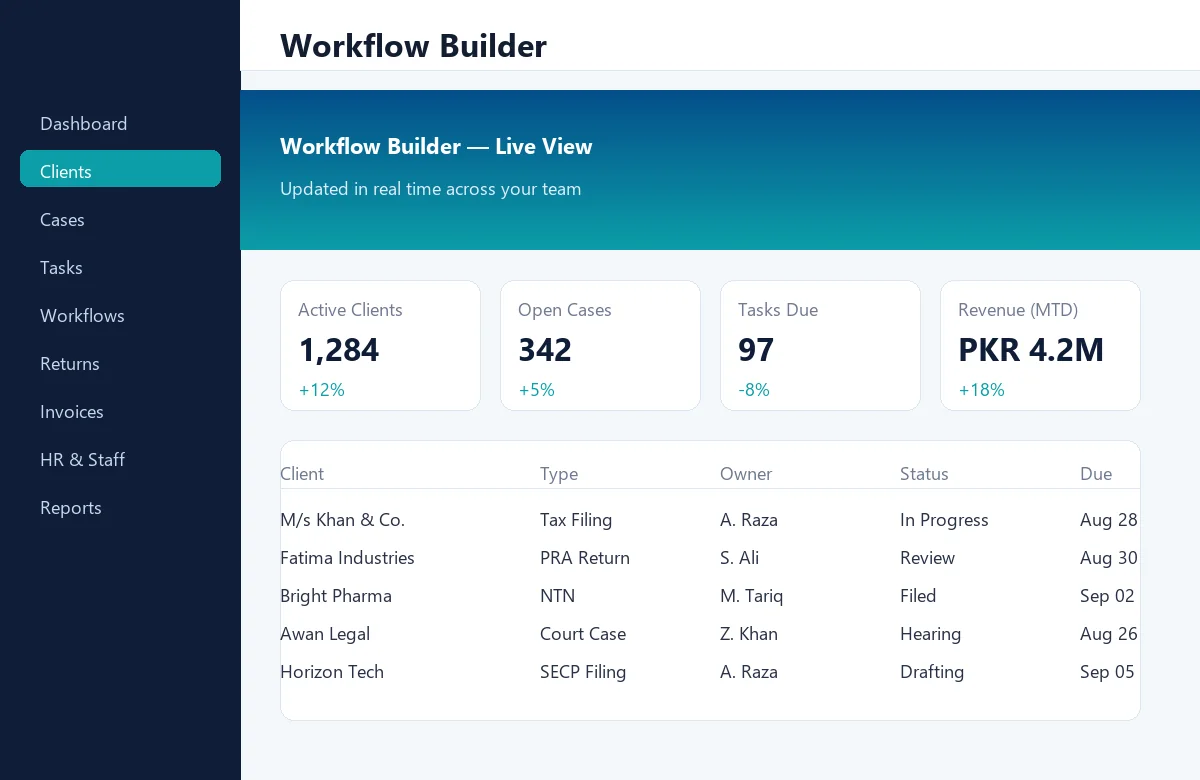
Punjab Revenue Authority — service sales tax.
Registration, monthly returns, reconciliations, audit support — handled through a single workflow that knows PRA's deadlines, rates and exemption rules.
- PPRA registration & de-registration
- Monthly PRA return (Annex-A, B, C)
- Withholding statement (monthly)
- Blacklisting / de-blacklisting requests
- Audit response and order tracking
- Refund claims with FBR cross-check
Sindh Revenue Board — service sales tax for Sindh.
Same rigor as PRA, configured for SRA's portal, returns and exemption logic. Built for firms with clients across Sindh and across the country.
- SRB registration & amendments
- Monthly return (Form STR-1)
- Withholding statement (STR-W)
- Exemption certificate tracking
- Audit, notices, appeals, recovery
Khyber Pakhtunkhwa Revenue Authority.
The KRA workflow covers POS-based invoicing, monthly returns and withholding statements — and stays up to date with the latest KRA portal changes.
- KRA registration (online POS)
- POS invoice audit per branch
- Monthly KRA return
- Withholding statement
- Notice response, appeals, recovery
Securities & Exchange Commission of Pakistan — company filings.
From incorporation to annual return, beneficial ownership to special resolution — a complete workflow for companies, LLPs, AOPs, trusts and NPOs.
- Company / LLP / AOP / Trust incorporation
- Name reservation, MOA, AOA drafting
- Annual return & financial statements filing
- Beneficial ownership return
- Special resolutions, return of allotment
- Strike-off, winding up, restoration
- Compliance with eServices portal
Pakistan Telecommunication Authority — licensing & type approvals.
Type approvals, license renewals, monitoring reports and QMS submissions — managed in a workflow that knows the PTA portal inside out.
- Equipment type approval (mobile, IoT, wireless)
- License issuance & renewal
- QoS, QMS and annual returns
- Compliance audits and inspections
- Customer complaints registry
Goods & Services Tax (where applicable).
For any provincial or federal GST your clients deal with — registration, return filing, input/output reconciliation, audit and refund — all in one workflow.
- GST registration & amendments
- Return preparation (GSTR-1, 3B-style)
- Input tax credit reconciliation
- Refund claims and follow-up
- Audit support and notices
National Tax Number — registration & lifecycle.
New NTN for an individual, AOP or company? Salaried, business, non-profit, non-resident? xProDesk's NTN workflow knows the right path, the right documents and the right FBR form for every scenario.
- CNIC-based NTN (salaried, business)
- NTN for AOP, company, LLP, trust
- IRIS form generation and upload
- NTN certificate storage and expiry reminders
- Amendment of particulars (address, business, bank)
- De-registration and reactivation
From civil to Supreme Court — every milestone tracked.
xProDesk's court workflow is a chronological record of each case: filing, service, evidence, hearings, interim orders, final arguments, judgment, decree and execution. Reminders ensure no hearing is missed.
- Cause list calendar with court-wise filters
- Petition, plaint, written statement, replication
- Evidence and exhibit tracking
- Interim order, stay, injunction notes
- Judgment / decree summary and appeal deadlines
- Advocate, counsel and witness records
- Execution and recovery proceedings
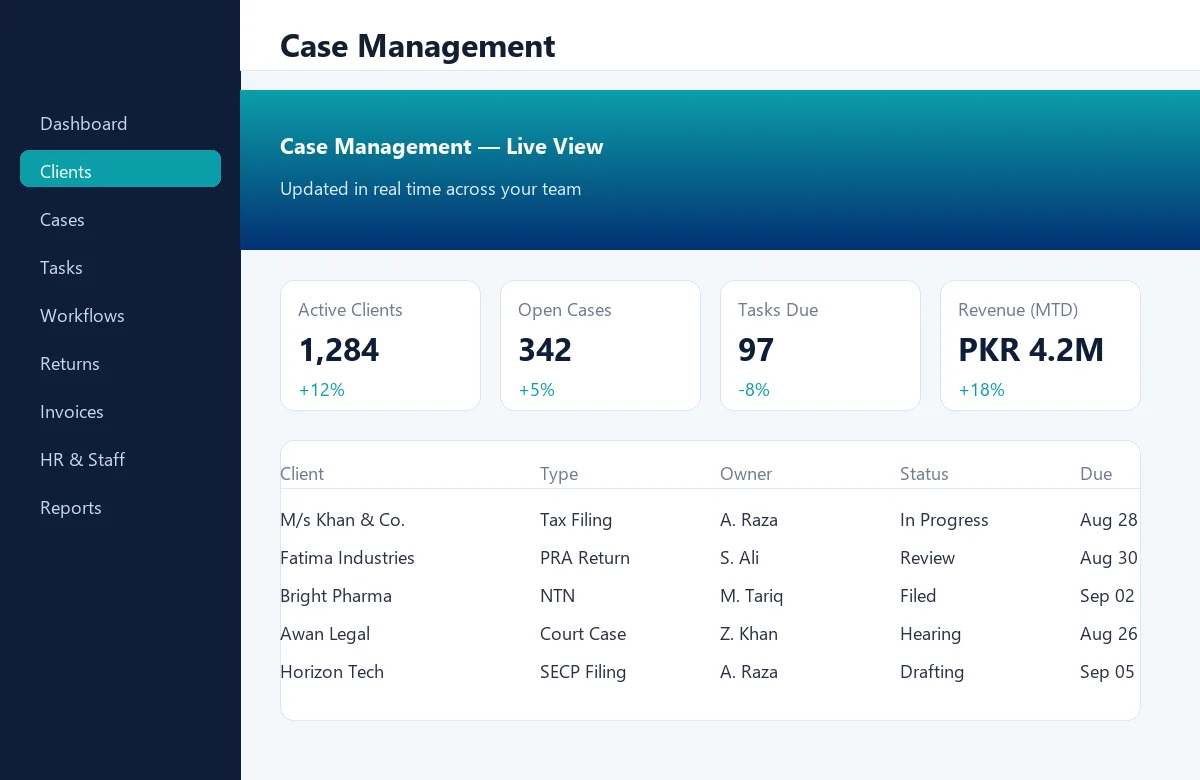
If it isn't here, build it.
xProDesk's visual workflow builder lets you design any process — from client onboarding to complex multi-team approvals — in minutes, not days.
Define steps
Add steps with owners, due dates, required documents and notification rules.
Add conditions
Branch on client attributes, regulator response, deadlines or staff decisions.
Assign reviewers
Pull in partners, managers or external reviewers with a single click.
Save as template
Reuse the workflow across clients, practice areas or the whole firm.
Book a demo with your own cases.
Bring a current case or filing. We'll show you how xProDesk's workflow runs it end to end, with your staff and your deadlines.